
WATCH an Overview Viedo on Service Activities.
Service Activity Guidance to help faculty categorize their service work according to their unit policies on professional responsibilities and promotion and tenure. This guidance was informed by the Elements Academic Advisory group, academic leadership, University Senate, previous work on service at UO, out-of-the box types in the system, and UO faculty CVs.
Service activity types guidance document. PDF will open in another window. Faculty can download this document and keep on hand.
Activity Type | Subtype Options | Notes |
|---|---|---|
Committee Membership |
| Academic units will have their own committee options listed. |
Community service |
|
|
Conference reviewing or refereeing |
|
|
Consulting or Advising |
|
|
Event Administration |
|
|
Grant Application Assessment |
|
|
Institutional Program Assessment |
|
|
Interview |
| Review unit policy as some subtypes might be scholarly activity. |
Journal reviewing or refereeing |
| Review unit policy as some subtypes might be scholarly activity. |
Mentoring |
| Can also be in Teaching; refer to unit policy. |
Non-research Presentations |
| Review unit policy as some subtypes might be scholarly activity. |
Office Held |
| Can indicate role, membership, etc. Review unit policy as some subtypes might be scholarly activity. |
Other service |
|
|
Service data sources (in progress):
- Senate committee lists
- School/college/unit data
- CV transcription (CVs provided by units in 2024)
WATCH THE REVIEWING YOUR SERVICE ACTIVITY TUTORIAL VIDEO
On your Homepage, you may see Service activities that have been entered in your profile on your behalf.
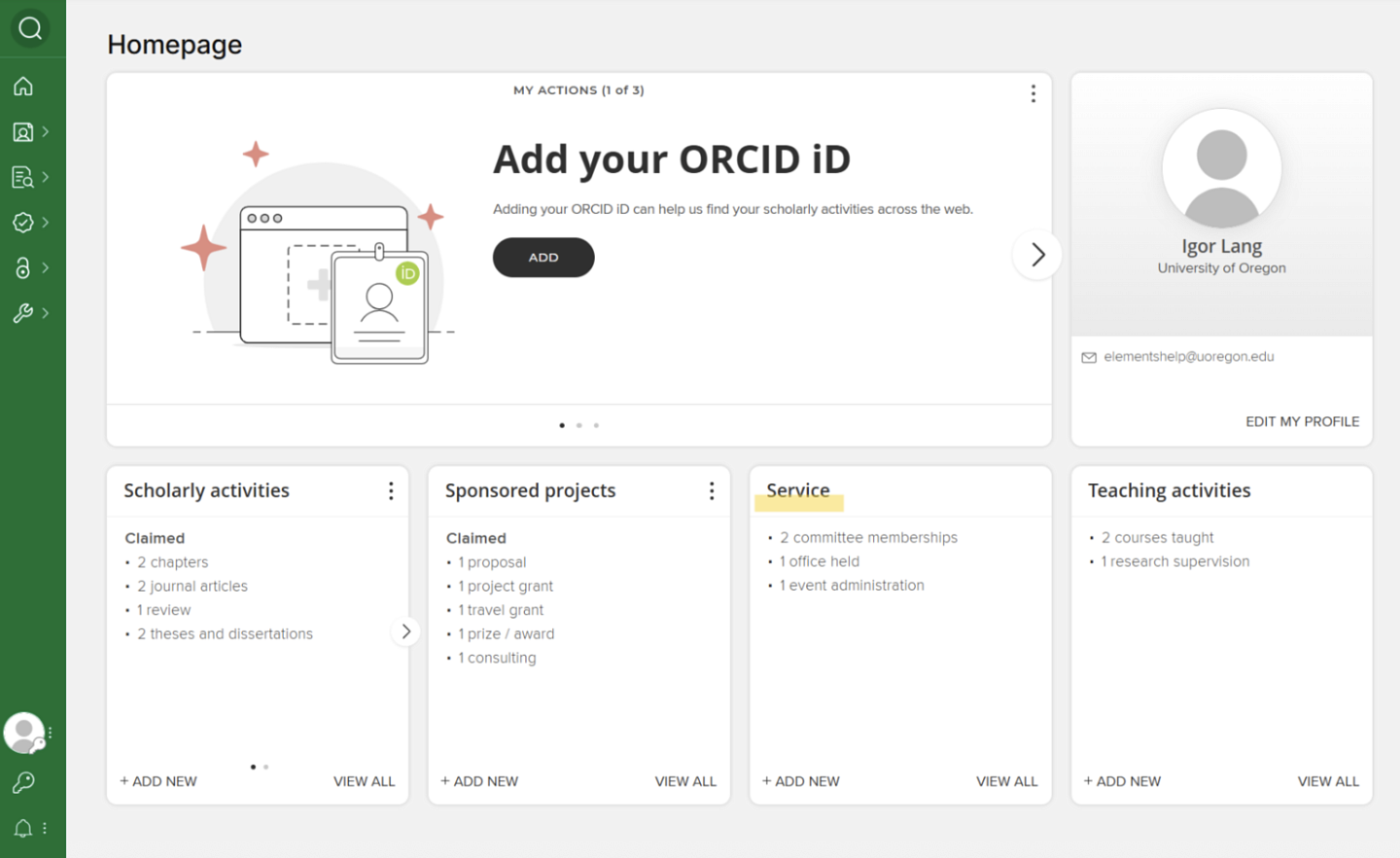
Click on a record to see more detail on the Service activity. You can reject records that may have been incorrectly attributed to you or edit the record if any information it contains needs to be corrected.
WATCH a video on Editing Service Activities.
To edit a Service Activity that was manually entered:
- Click on the record you wish to edit.
- Click on the three dots in the right-hand corner of the record you wish to edit and select “View Details.”
- Then click on the pencil symbol in the top right corner to edit.
Labels, descriptions, abstracts, keywords, and notes can be used to clarify each activity.
WATCH a brief video on Adding Service Activities.
To add a Service Activity in Elements, determine if you want to use the AI assist tool or manual entry.
If using the AI assist tool, you can load in ONE entry at a time from your CV or website. Cut/paste directly into the provided box and follow the on screen instructions.